Practice that adapts
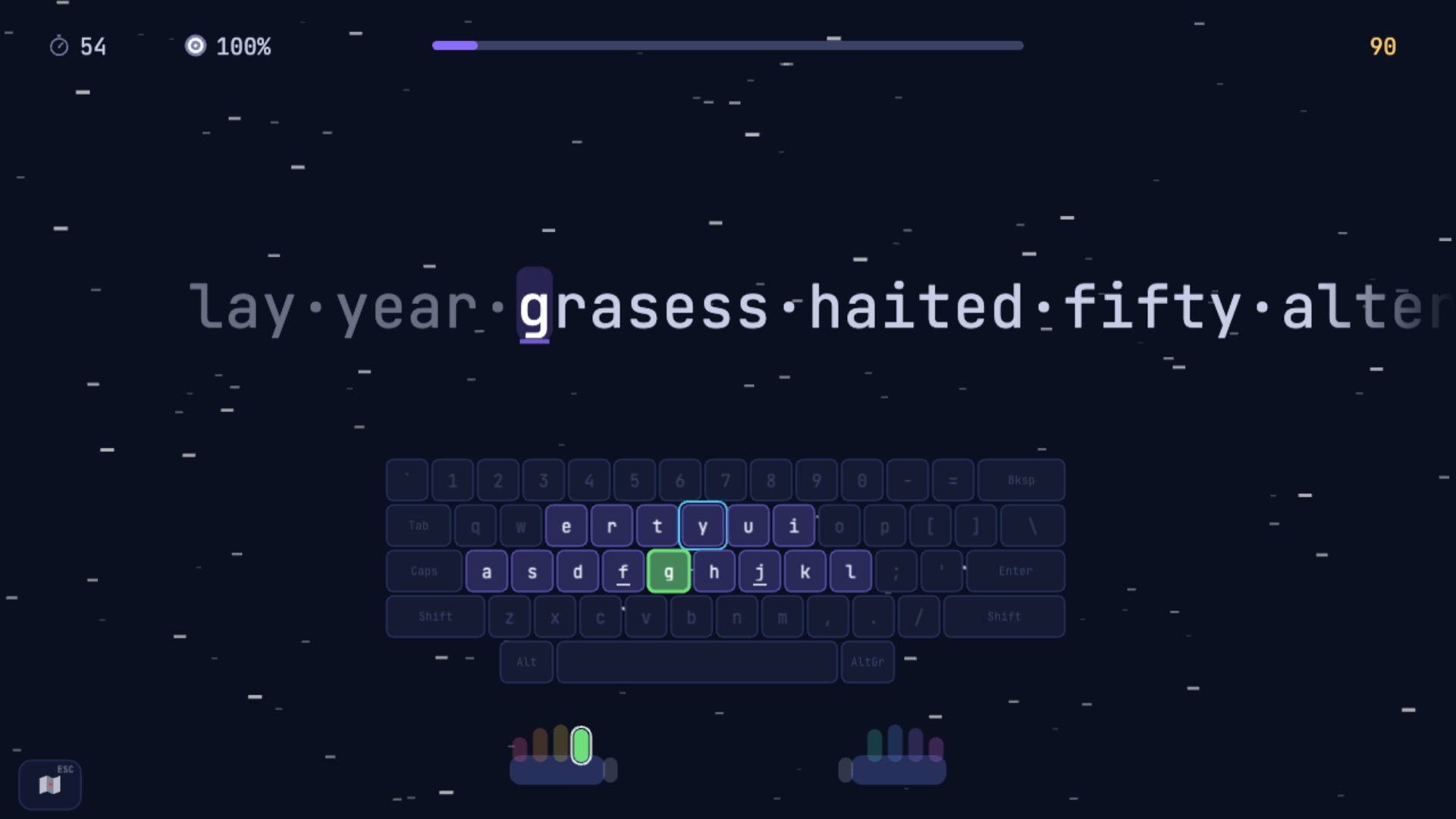
Every round works on your weakest keys and letter pairs, at a pace that grows with you.
The touch-typing game
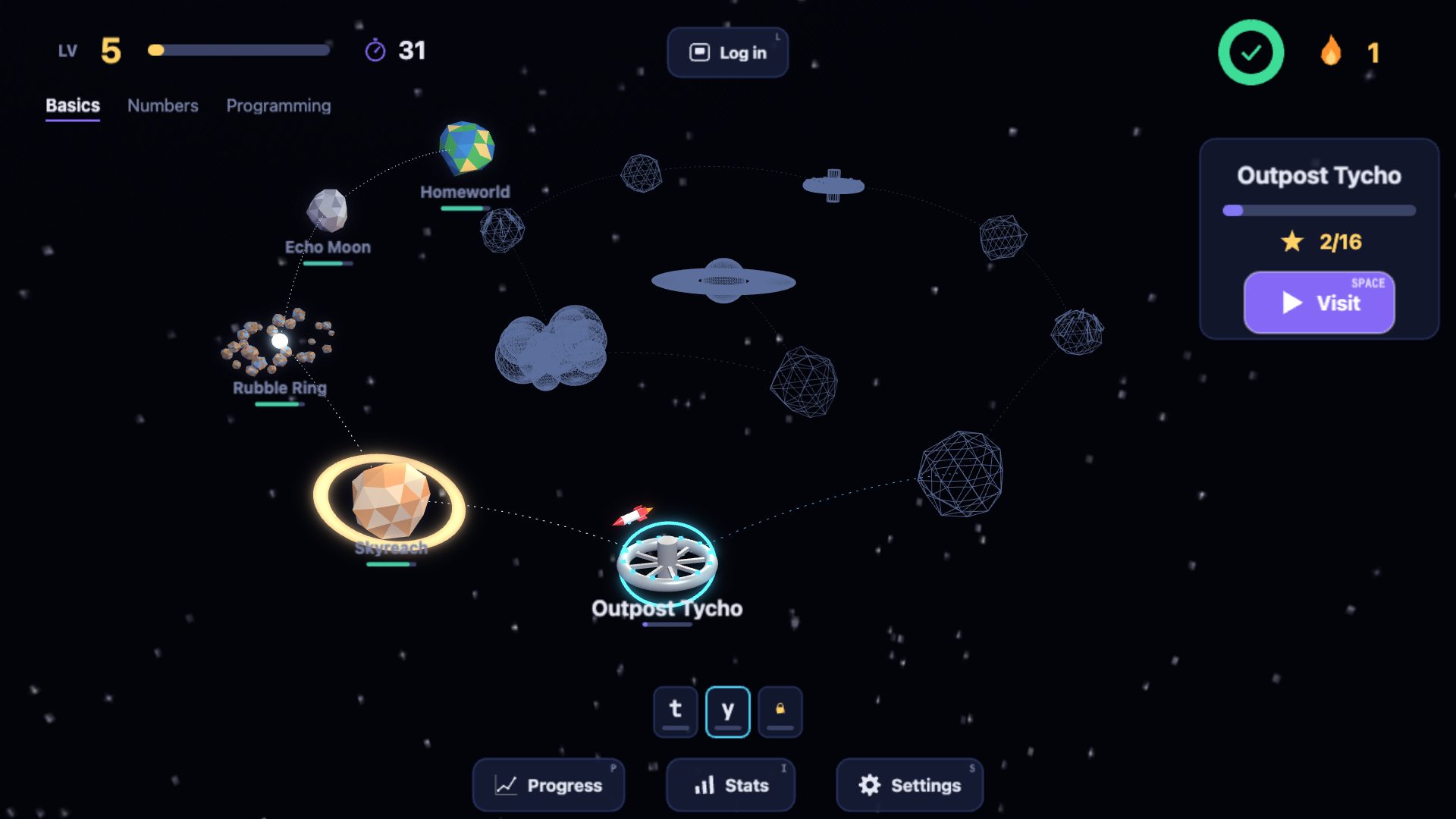
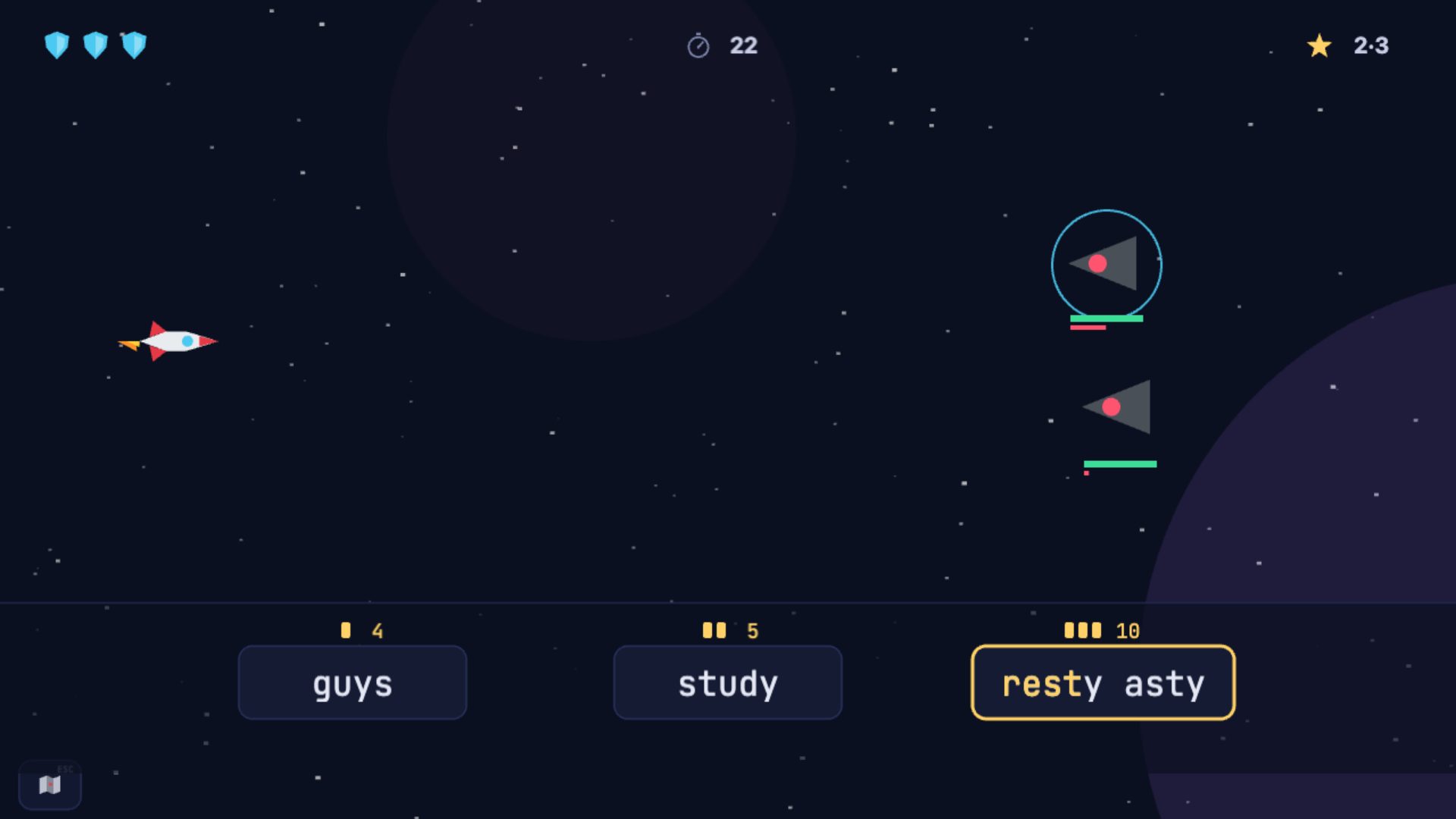
Fly a little rocket from planet to planet, learning a few new keys on each. Practice adapts to the keys you find hard, micro games and a space RPG keep it fresh (or switch them off), and 10 minutes a day is all it takes.
Play free in your browser See how it works
No download, no account needed to start.
Your fingers learn where they rest: f and j first, a few keys at a time, with the right finger shown for every key.
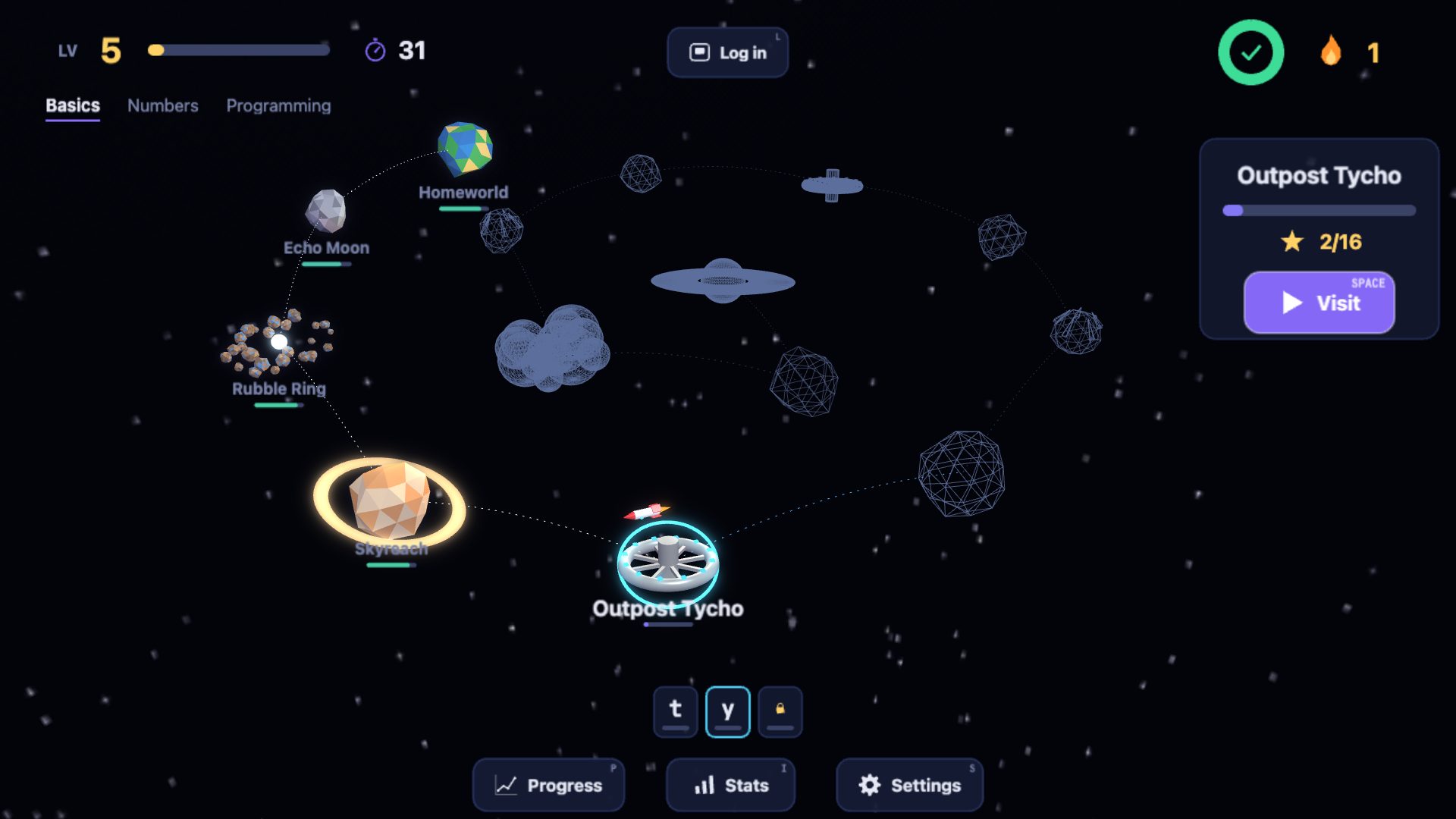
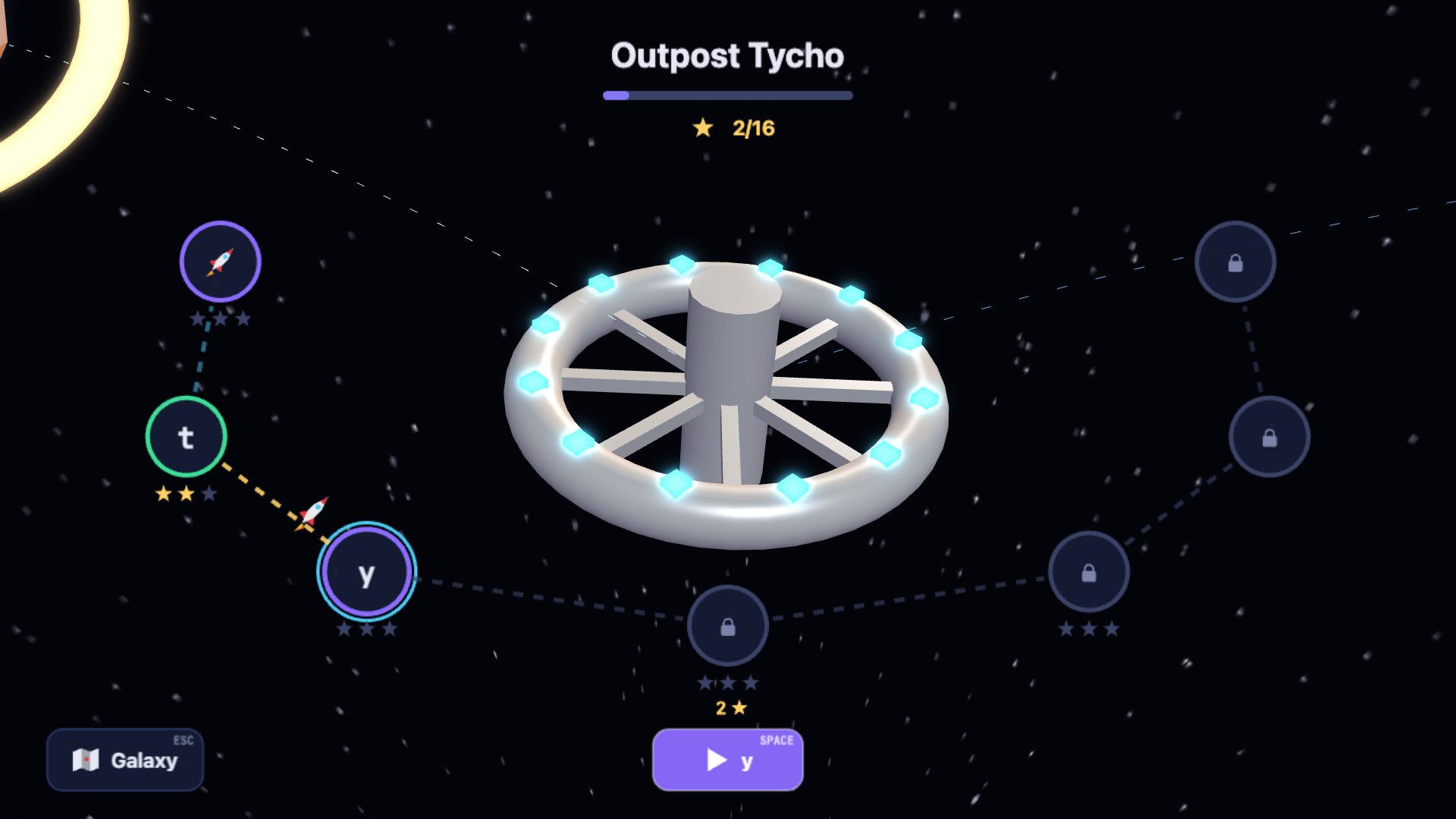
Each planet has places to visit. Two stars at a place opens the next key, so you move on as soon as you’re ready, not when you’re perfect.
Pass a warp test to fly to the next planet: the top and bottom rows, capitals, punctuation and real stories. Then on to the Numbers and Programming galaxies.
Most adults who start from scratch reach 40 words a minute in about 10 weeks at 10 minutes a day, without looking at the keys. Children get there at their own pace; the game adjusts to everyone.
Every round works on your weakest keys and letter pairs, at a pace that grows with you.
Stars to earn, micro games and a space RPG. Or switch the games off and just practise.
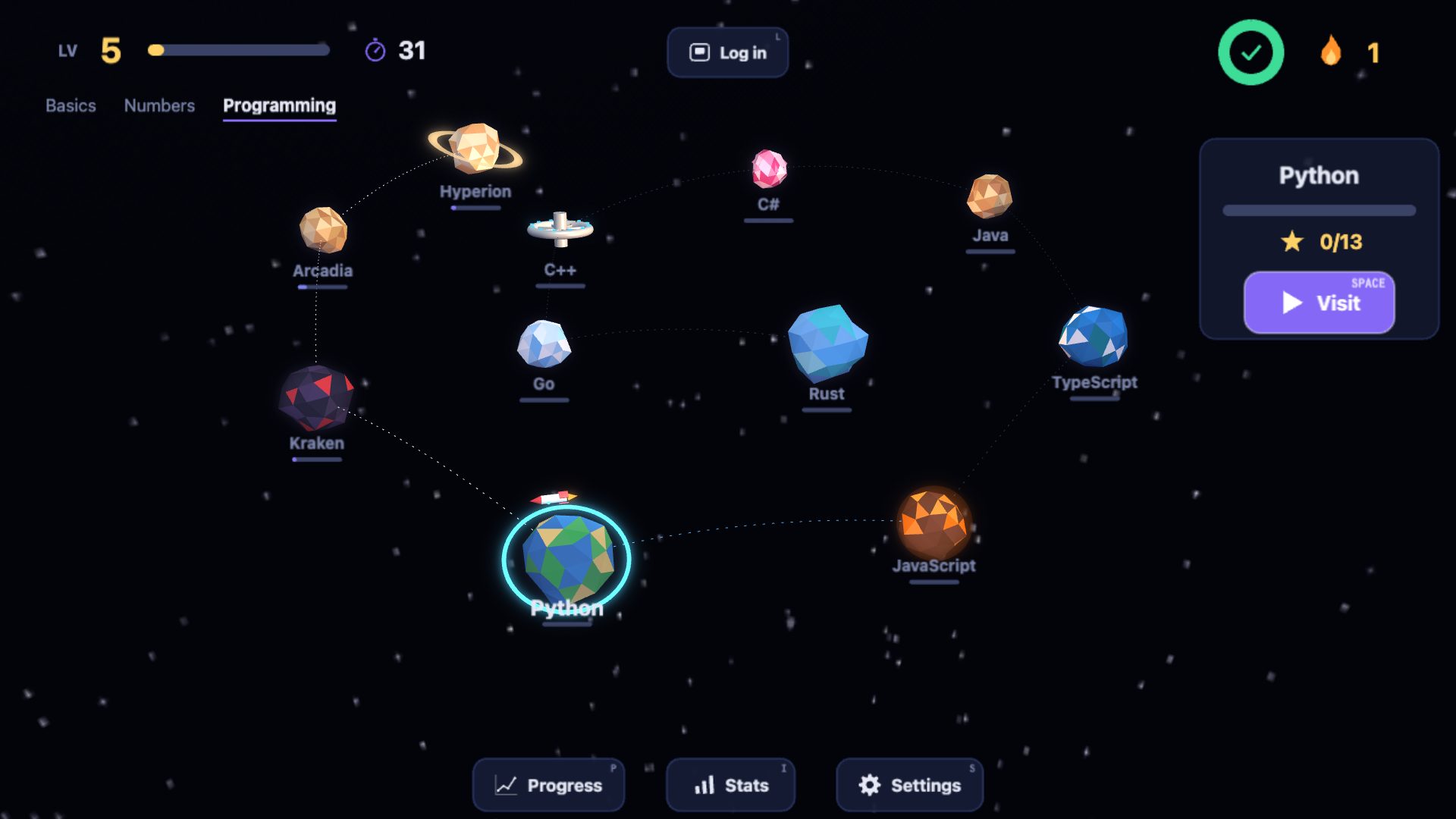
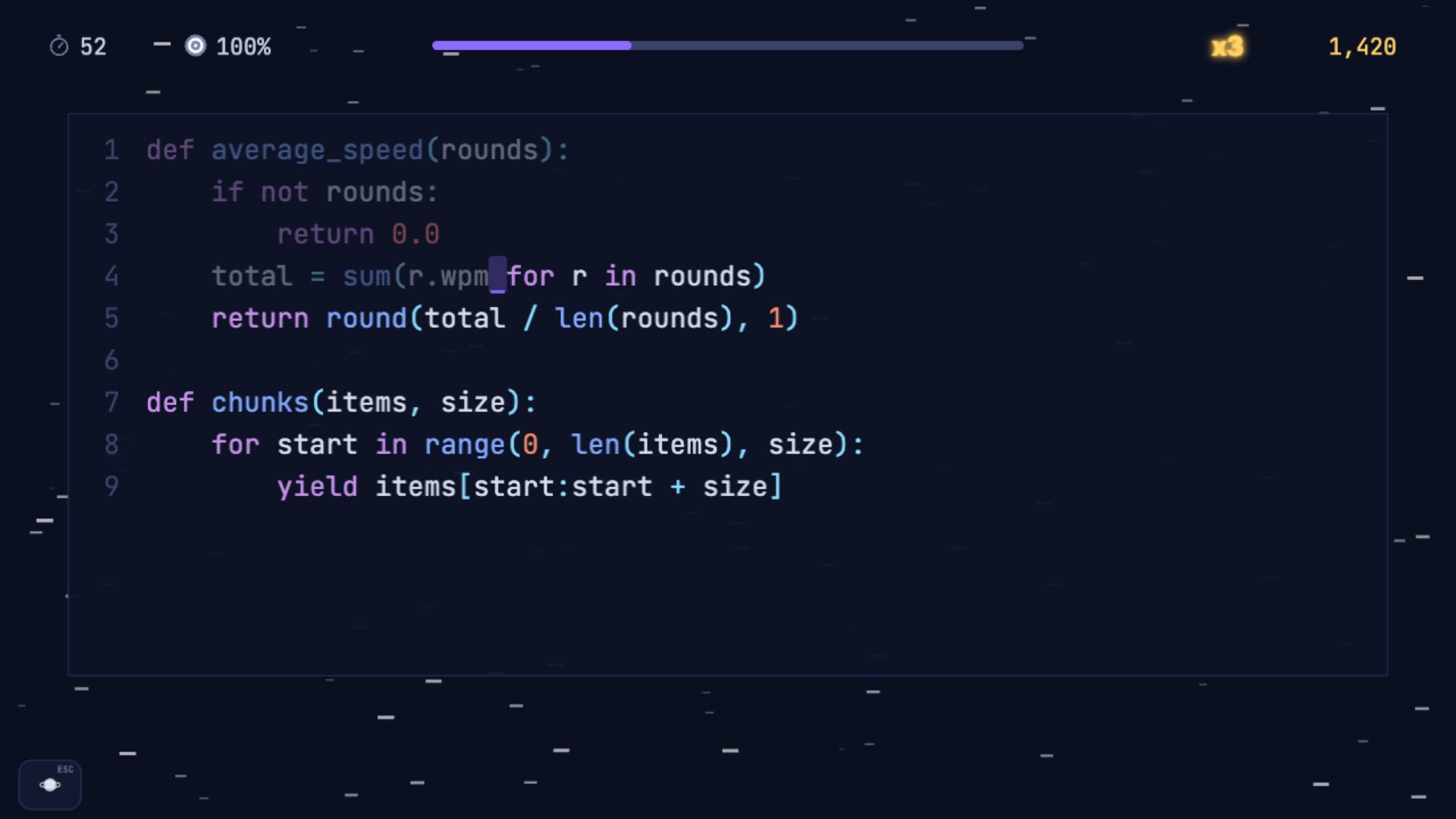
Stories, numbers as you use them, and real code in eight programming languages.
Speed and accuracy over time, and your slowest letter pairs.
Any keyboard layout, dyslexia-friendly fonts and reading tints.
Players under 16 sign up with a parent’s email address: the parent approves the account and is the only one who can buy Premium. No ads, no chat, no tracking, and we keep only what the game needs. Deleting an account removes everything, and we email to confirm.
€0 forever
€5 a month, VAT included
or €48 a year: €4 a month, save 20%
Made in the Netherlands, with your data on servers in the EU, GDPR-proof by design. Payments go through Stripe, which handles VAT for every EU country.
Yes. The home row (the first three planets) with Practice, Words, Micro Rush and the Voyage is free, forever, without an account. Premium (€5 a month, or €48 a year) opens the other 25 planets, in all three galaxies.
Typing without looking at the keyboard, with each finger responsible for its own keys. It’s faster, more accurate and easier on your neck than hunting for keys.
With 10 minutes a day, most beginners touch type the letters within a few weeks and reach 40 words a minute in about 10 weeks. The game tells you its own estimate when you sign up.
No. You can play as a guest straight away. Signing up with your email (no password, we send a login link) keeps your progress and lets you play on any device.
QWERTY (US and UK), AZERTY (French), QWERTZ (German), Dvorak and Colemak. The game detects your layout and teaches its own home row.
Yes, from about 7 years old. Players under 16 need a parent to approve their account, there are no ads or chat, and only a parent can buy Premium.
You need a physical keyboard. It runs in any modern browser on a computer, or on a tablet with a keyboard connected.
Any time, in the game’s settings. You keep Premium until the end of the month you paid for, and within 14 days of subscribing you get your money back.
Yes. Once the basics are done, the Programming galaxy teaches the symbols and brackets, then has a planet for each of Python, JavaScript, TypeScript, Java, C#, C++, Go and Rust: real code in an editor view, Enter and indents included. It isn’t a programming course: it makes you fast at writing code.
Yes. Choose “just practice” when you start, or switch the games off in Settings at any time. You keep practice and words, the stars and your progress, without Micro Rush, the Voyage or golden star challenges.
Yes, in Dutch: there the game is called “We gaan typen”, with Dutch practice text and an extra galaxy for Dutch’s own letters (ë, é, ï and apostrophes as in ’s avonds). More languages are on the way.